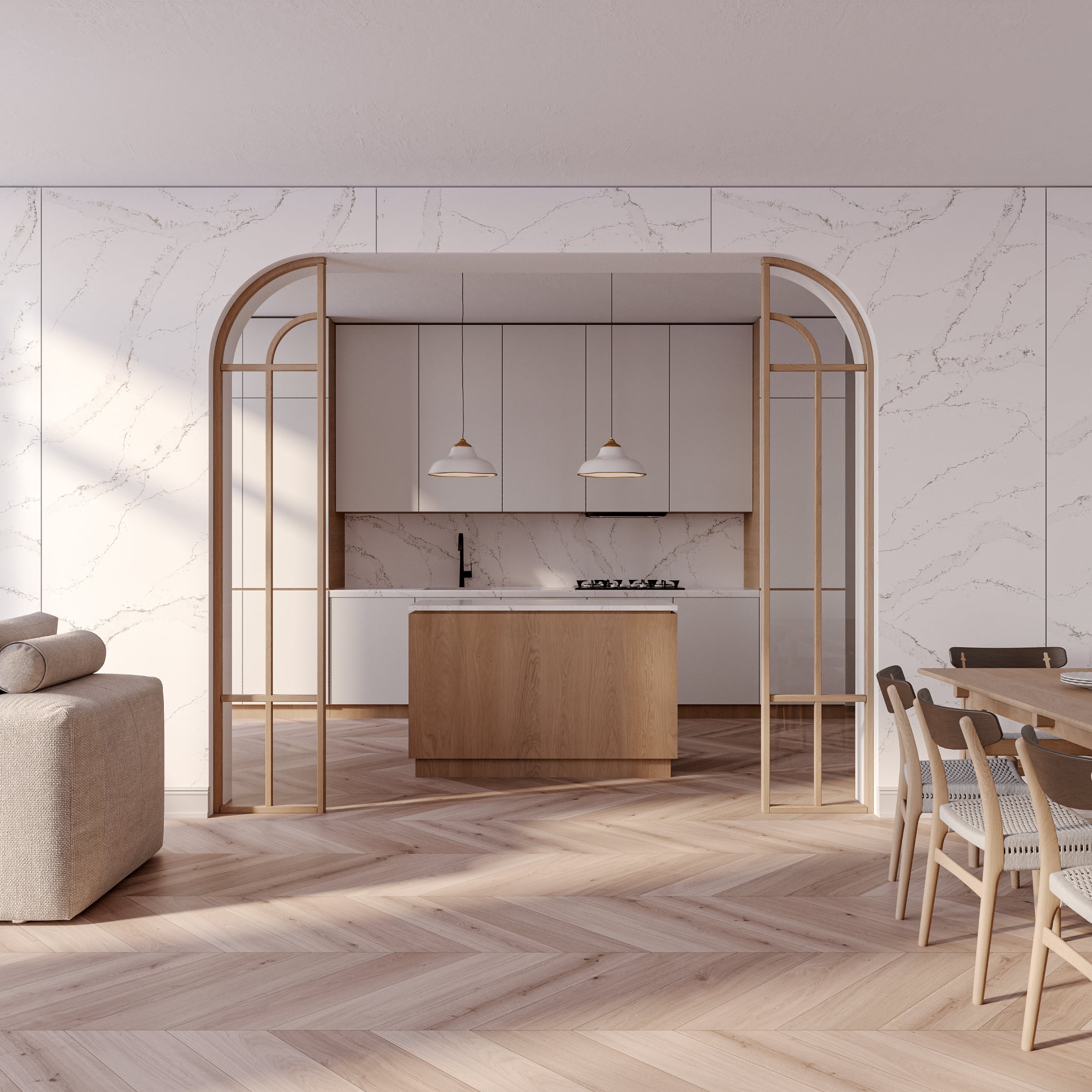
Gather assets into collections
Organize, share, and streamline your 3D assets workflow
A brand new feature has arrived in the Reawote library — and it’s designed to take your daily work with digital materials and 3D assets to the next level.
Meet Collections.
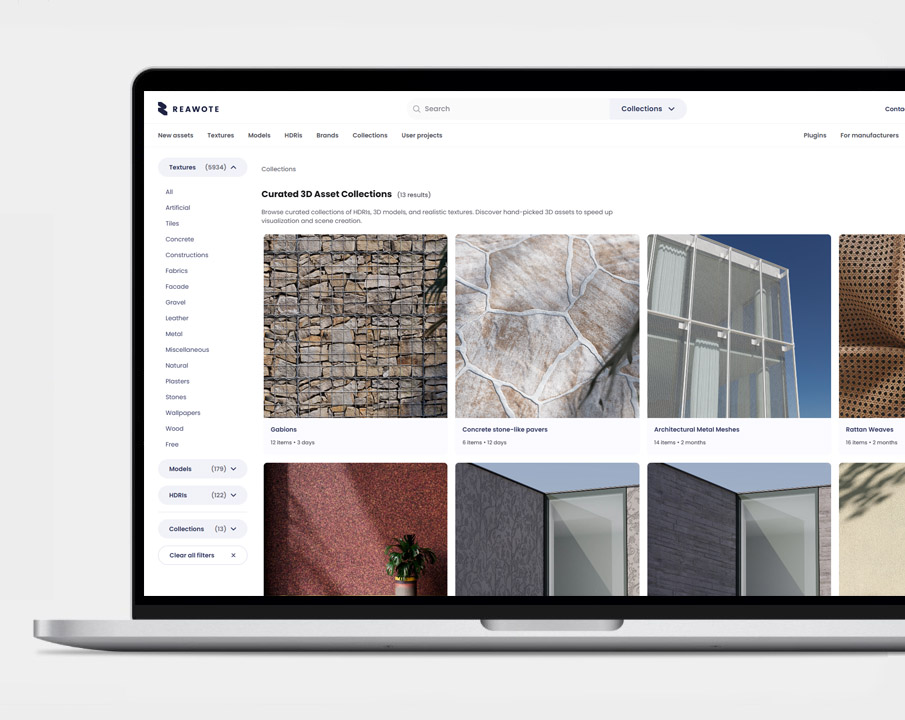
Collections give you a smarter way to organize, manage, and share assets — whether you’re working on a single project, multiple concepts, or collaborating with clients and colleagues.

✍️ Key takeaways
📌 Organize 3D assets in any way you like
📌 Create moodboards, work on materials and assets for individual projects
📌 Work in teams and share your collections with coworkers or clients for smoother workflow.
One place for assets that belong together
Architectural and design projects rarely rely on just one material or object. You usually work with sets of assets that share a common purpose, mood, or context.
With Collections, you can now group assets into clear, thematic sets, for example:
- collections for specific client projects,
- seasonal concepts or trend explorations,
- material combinations for mood boards,
- or internal reference libraries for your studio.
Instead of repeatedly searching for the same assets, you keep everything organized and ready in one place.
Fully editable and always under your control
Collections are flexible and easy to manage.
You can:
- add new assets at any time,
- remove or replace assets as your project evolves,
- and edit collections whenever your design direction changes.
This makes Collections ideal for real-world workflows, where decisions are refined step by step and assets are rarely final from the very beginning.
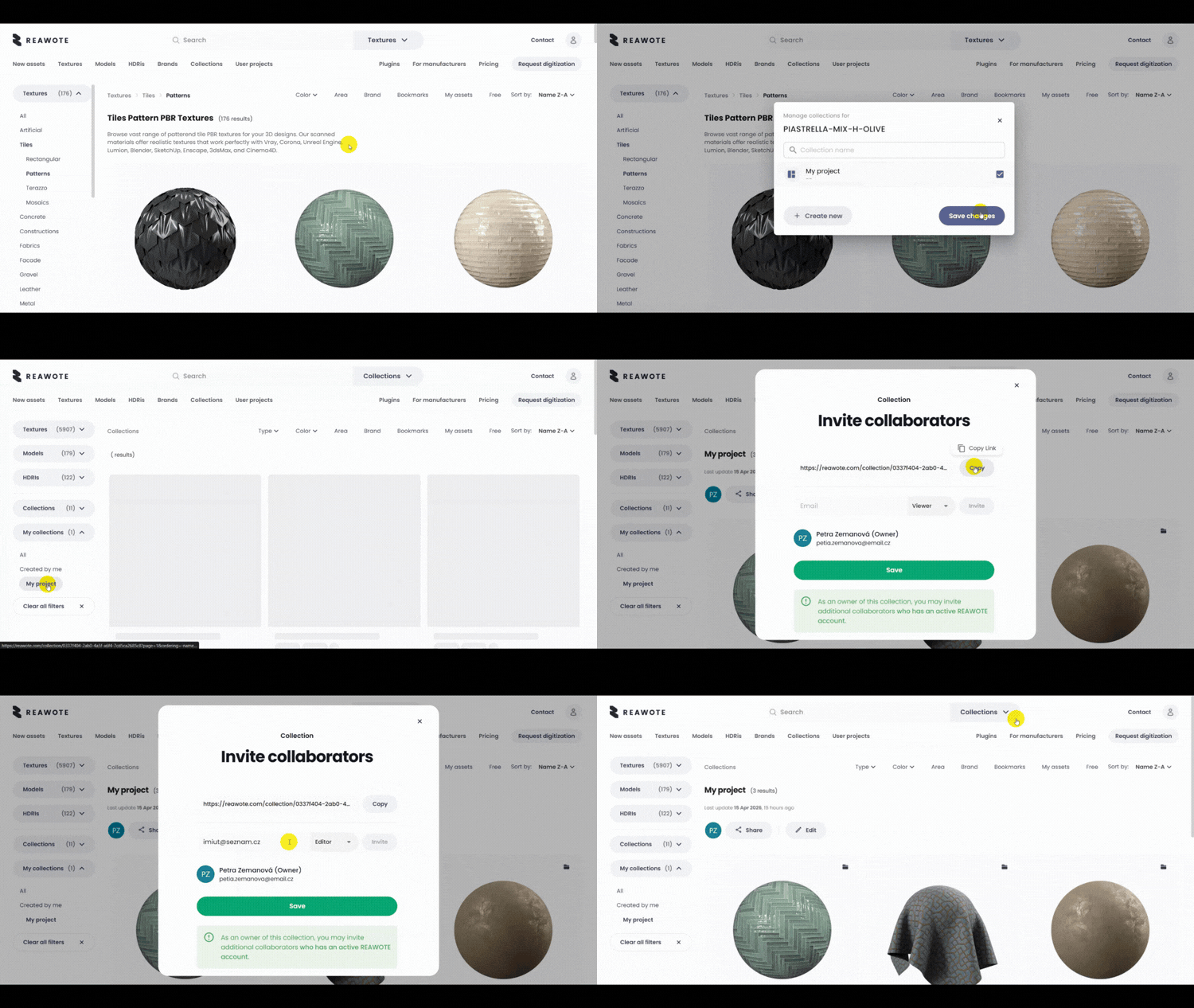
Share collections with coworkers and clients
Design is often collaborative — and Collections are built with that in mind.
You can invite coworkers or clients to view or edit a collection, making it easy to:
- align on materials and objects,
- compare options together,
- and speed up decision-making without endless emails or screenshots.
All invited users simply need a Reawote account to access the collection and collaborate seamlessly.
Prefer a lighter approach? Use Bookmarks
Sometimes you don’t need a full collection — you just want to save a few assets for later.
That’s where Bookmarks come in.
Bookmarks let you quickly save individual assets for fast access, without organizing them into a collection. It’s perfect for:
- quick inspiration,
- assets you want to revisit later,
- or materials you use frequently across projects.
Think of Bookmarks as your personal shortlist.
All your downloaded assets in one place
No more guessing which assets you’ve already downloaded.
Inside the library, you’ll find My assets — a dedicated section accessible from the top menu once you enter the asset catalog.
Here, you can easily see and revisit everything you’ve already downloaded, keeping your workflow clear and efficient.
Designed to support real design workflows
Collections, Bookmarks, and My assets work together to give you full control over your digital assets — from first inspiration to final specification.
Less searching.
Better organization.
Smoother collaboration.
🧭 What to remember?
👉 Collections allow you to gather assets based on your preferences
👉 Bookmarks is a shortcut to your favorite 3D assets
👉 My assets is a quick way to get to your purchased and downloaded content
Related posts
Join our community and stay updated on all things 3D
Sign up to our newsletter.


Build a better world with real-world 3D detail
Step into the digital world and explore new ways to create, present, and distribute products — without limits or physical constraints.